What's in the Box and Device Tour
Identify the items in the Serenity kit and learn the controller’s ports, controls, and status indicators.
What’s in the Box
Your Serenity package contains:
- Serenity device
- Ear clip cable and attached clips
- Conductive gel
- USB-C charging cable
- Carrying case
Check that all components are present and undamaged before use.
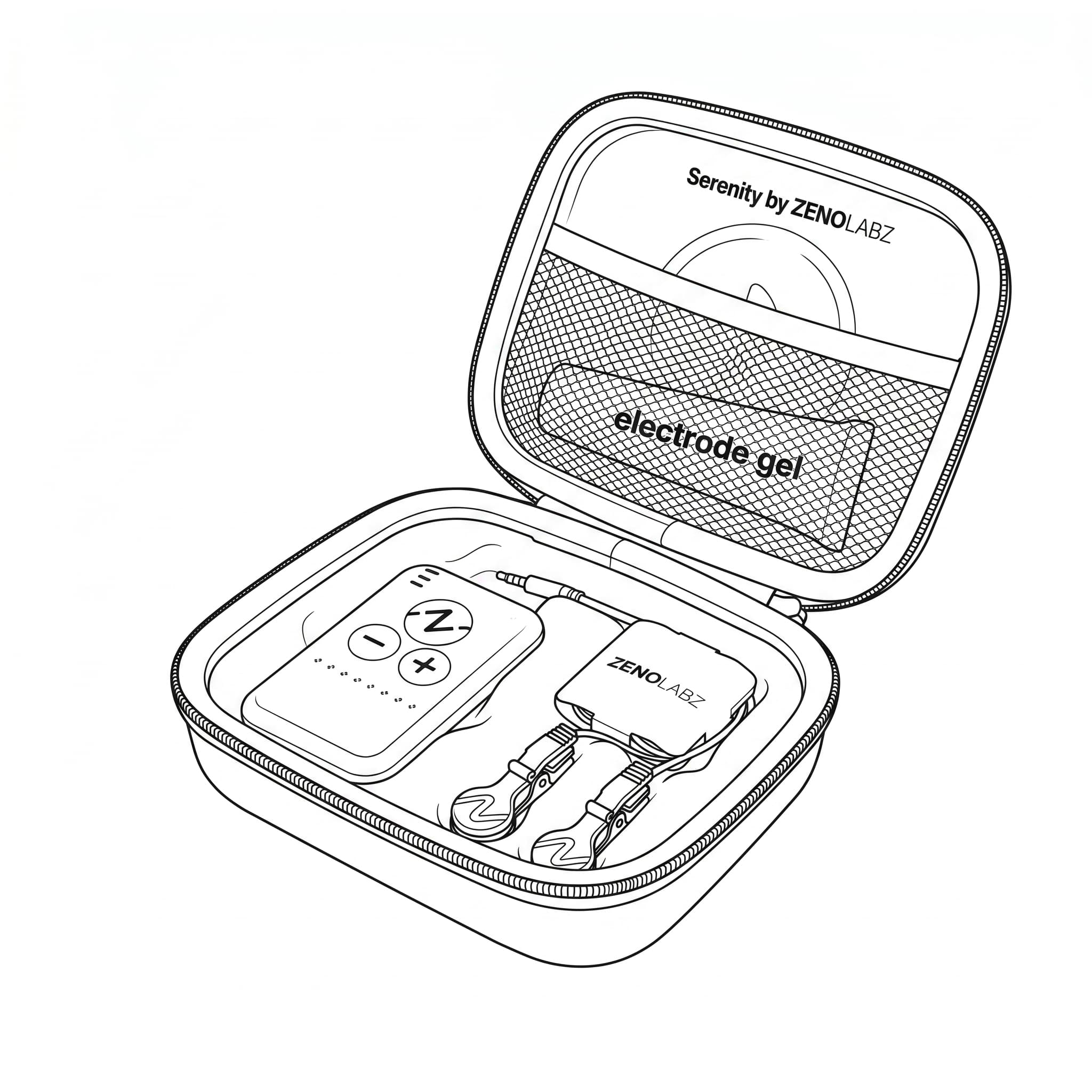
If anything is missing or damaged, contact Zeno Labz before using the device.
Getting to Know Your Device
Controls
Z Button
Starts a session. Press it again to end a session early.
Plus (+) Button
Increases stimulation intensity.
Minus (-) Button
Decreases stimulation intensity.
Connections
USB-C Port
Used to charge the device.
Stimulation Port
Connects the ear clip cable to the device.
Light Indicators
Green Pulsing Light
A session is running.
Red Blinking Light
The device has detected poor contact with the ear clips.
Blue Flashing Light
The device is making an automatic adjustment.
Battery Indicator Lights
Display charging progress and low-battery warnings.
For more information, see Session Controls and Indicators.